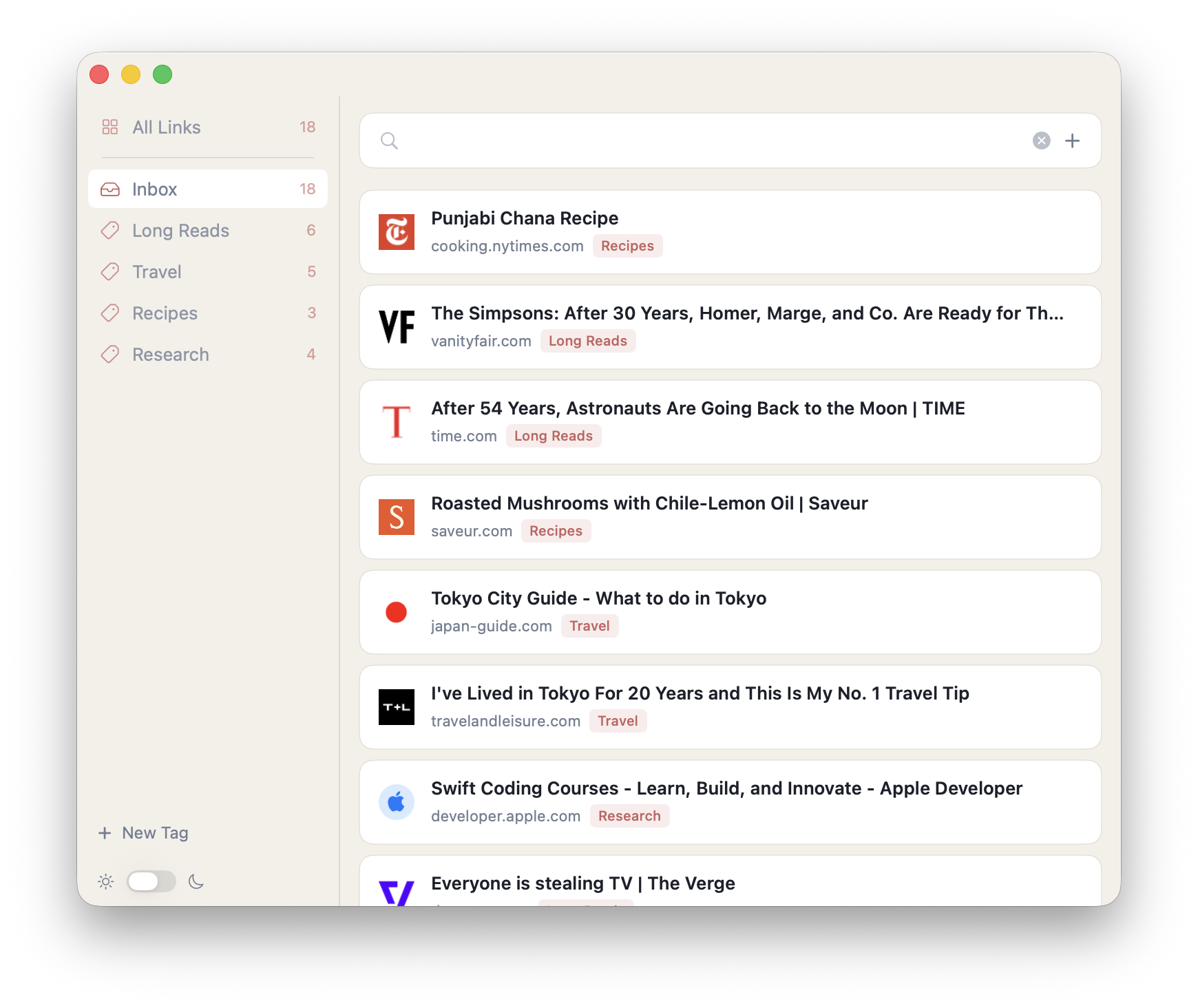
Cache is a private link library for your Mac. One click from Chrome puts any page into your collection — tagged, searchable, yours.
Click the Cache icon in Chrome and the page is in your library instantly. No forms, no friction, no thinking required.
Create tags for anything — recipes, research, travel, long reads. Drag links between them. Your taxonomy, your rules.
Search across titles, domains, and tags in real time. Find that article you saved six months ago in seconds.
Download the Mac app and add the Chrome extension. They talk to each other automatically — no account, no setup.
On any page in Chrome, click the Cache icon in your toolbar. The link is sent straight to your Mac app.
Open Cache on your Mac to see everything you've saved, organized by tag and searchable in an instant.
Cache stores everything locally. No servers, no accounts, no subscriptions.
The Mac app and Chrome extension are free. No subscription. No catch.